Service incident on 6 August – repeated "Video Process Failed"

Table of Contents
On Wednesday 6 August, between 11:00am and approx. 2:45pm AEST, YakShaver sent repeated Microsoft Teams messages "Video Process Failed" to some YakShaver users. We apologize for both the disruption and the volume of unnecessary messages. The YakShaver users that received the messages, previously has used OneDrive during that outage period.
What happened
An internal credential that YakShaver uses to connect to Microsoft 365 expired. On its own, this would have caused a brief interruption to video processing. However, our error handling sent a separate failure notification for every processing attempt rather than a single alert, which turned a routine fault into repeated Teams messages.
Our response
When reports came in, YakShaver engineers immediately engaged SSW SysAdmins and together made a plan of attack. They took the affected services offline within minutes to stop the messages, replaced the credentials, and restored full service by 5:30pm AEST the same day. The platform has operated normally since.
This was not a security incident nor was any data lost
The fault prevented YakShaver's platform from connecting to Microsoft 365; at no point was your data accessed or lost. Your recordings remain in your own Microsoft 365 tenant.
Recordings made during the outage were processed automatically once service was restored. If a shave from Wednesday afternoon has not produced a work item, it can be re-run from the portal, or contact us and we will resolve it for you.
Preventing a recurrence
We have made 2 changes so this can't happen again.
- Credential renewal has been automated, so an expiry cannot go unnoticed.
- Error notifications are now rate-limited, so that a platform fault can only ever generate a single alert rather than a stream of them.
We apologize again for the disruption.
If you have any questions, please contact us through yakshaver.ai/docs/support
Kind regards,
YakShaver Team
Recent Articles
Introducing YakShaver Anywhere!
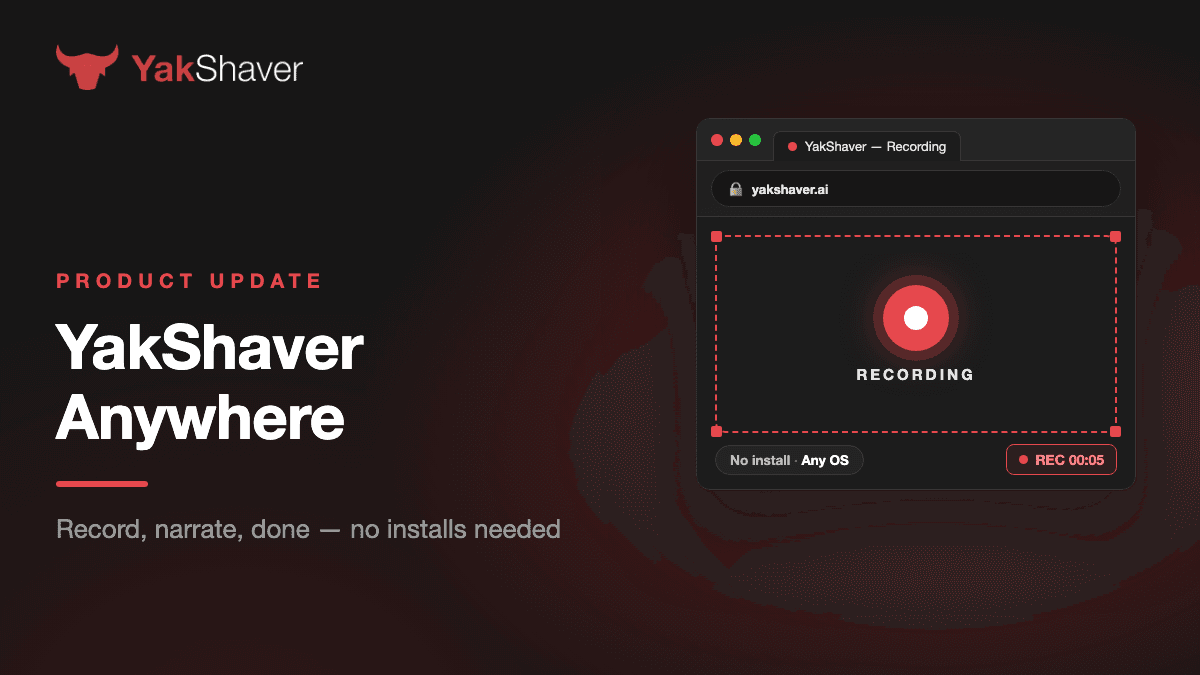
Spotted a bug but don't have YakShaver installed? No problem. With YakShaver Anywhere, you can now shave issues directly from your browser — no desktop app, no extension, nothing to install!
Figure: Find the "New Shave" button
How it works
- Click the New Shave button in the top right, then select Shave in browser
- Pick your project and hit Record — choose the screen, window, or tab you want to share, and a short countdown gives you time to get ready
- Show the problem and talk through it, just like you would explain it to a teammate
- Optionally add written notes for extra context, then submit
From there, the AI agent takes over. It analyses your recording, follows your project's skill (your team's instructions for how work items should be written), and drafts the work item for you. Best of all, you can watch the agent work live — investigating, reasoning, and writing in real time, right in your browser.
Why you'll love it
- Zero setup — works on macOS, Windows, and Linux in any modern browser
- More ways to capture — record your screen, film with your camera, or upload an existing video
- Work items done right — the agent follows your project's skill, so every item lands in your backlog meeting your team's standards
Ready to shave?
Log in at yakshaver.ai, hit New Shave, and choose Shave in browser. Your next bug report is one recording away. 🐂
September Product Updates
Over the last month, the YakShaver team shipped 15 new releases. The biggest changes make it easier to send a report, share a YakShaver Anywhere link, and see what's happening while a report is recorded or processed.
Send a report where it needs to go
YakShaver Anywhere can now send a work item to an email address, alongside its existing destinations. Setting up a GitHub project is easier too: if the connected GitHub app can access a repository, you can find it in a searchable list instead of pasting its URL.
YakShaver Anywhere
Create a project link or QR code and share it with reporters. They can open it on a phone and record a shave with their camera, or upload a video from their device.
The link page is now available in Chinese.
Know what's happening during a report
The browser recorder warns people when a recording has no audio and shows an error if processing fails, rather than a false success message.
On iOS, the embed widget offers video upload when the browser can't record the screen directly.
Reports keep processing if someone closes the tab. If their live connection drops, the page explains that the report is still underway, helping avoid a duplicate submission. The status page also tells reporters where to look for the result.
A few more useful changes
The Integrations page is easier to scan on an iPad. Connection status is more accurate, project links are easier to read, and reporters can add a GitHub handle so issues can mention them.
Releases
- v0.95.3 — 24 September: Maintenance release.
- v0.95.2 — 24 September: Maintenance release.
- v0.95.1 — 22 September: Added Chinese-language support to YakShaver Anywhere links.
- v0.95.0 — 21 September: Added iOS video upload to the widget and improved embeds.
- v0.94.5 — 17 September: Maintenance release.
- v0.94.4 — 17 September: GitHub issues can mention reporters who add their GitHub handle.
- v0.94.3 — 17 September: Clearer report status, reporter attribution and interrupted-processing messages.
- v0.94.2 — 16 September: Clearer feedback when a live connection drops, plus a fix for recording preview playback.
- v0.94.1 — 16 September: Reports keep processing if the reporter closes the browser tab.
- v0.94.0 — 14 September: Added YakShaver Anywhere links and QR-code reporting, with retry and navigation fixes.
- v0.93.0 — 10 September: Improved the Integrations page, connection status and recording warnings.
- v0.92.0 — 7 September: Added a searchable GitHub repository picker, clearer project links, and recording audio and status fixes.
- v0.91.1 — 1 September: Fixed a blank screen when starting a browser report from the dashboard.
- v0.91.0 — 31 August: Email became an end-to-end work-item destination.
- v0.90.1 — 26 August: Email reporting updates.
Want to try YakShaver? Visit yakshaver.ai, open the demo, or follow @yakshaverai.bsky.social on Bluesky.
See you for your next shave. 🐂